
How to Balance a Ceiling Fan: A Step-by-Step Guide to Stop Wobbling
A wobbling ceiling fan is usually caused by dust buildup, loose screws, uneven blade height, warped blades, or an unbalanced blade set. The good news is that most minor wobble issues can be fixed at home with a screwdriver, measuring tape, and a ceiling fan balancing kit.
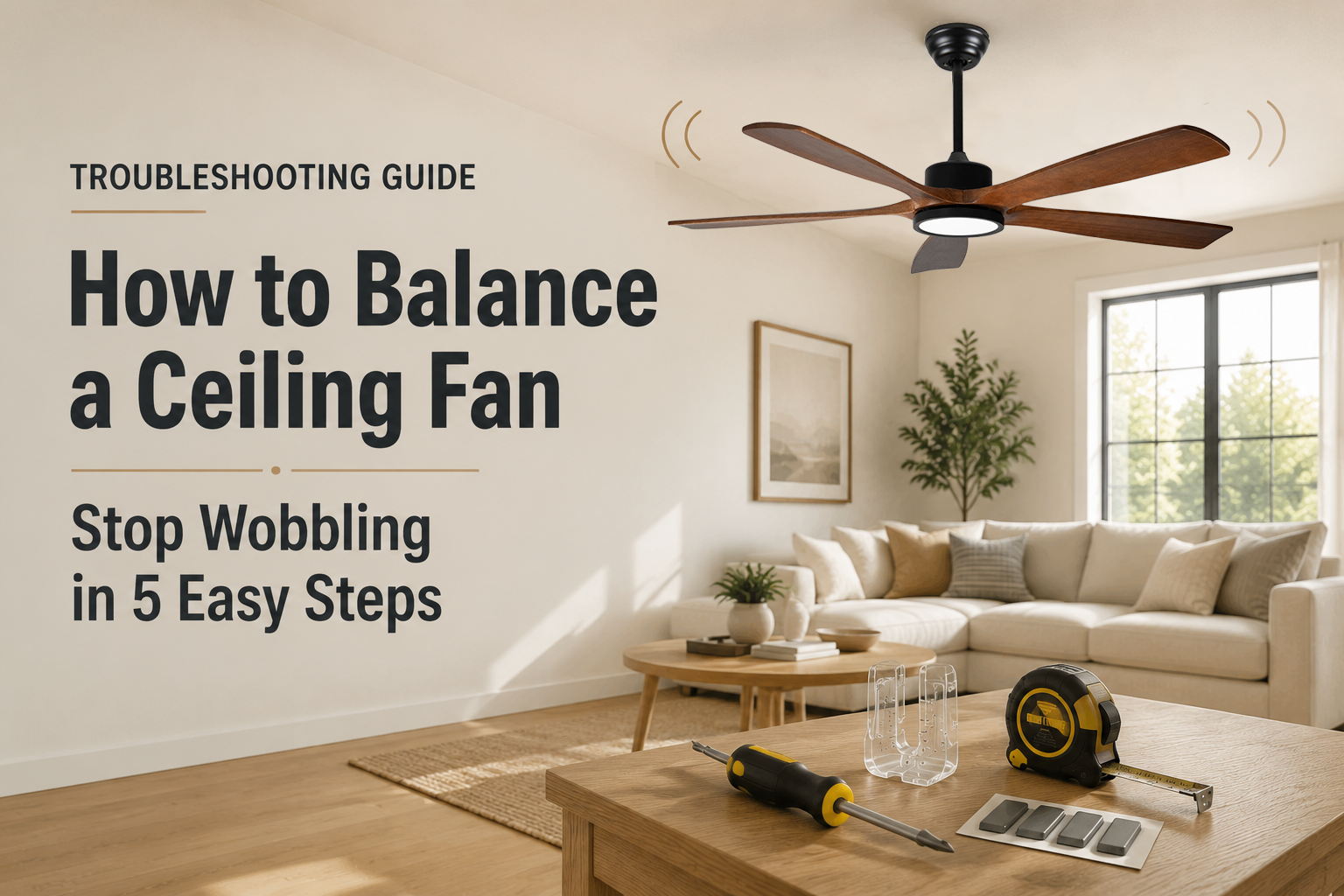
Quick Answer: How Do You Balance a Ceiling Fan?
To balance a ceiling fan, first turn off the fan and clean all blades. Then tighten the blade screws, mounting screws, and any loose hardware. Next, measure the distance from each blade tip to the ceiling to check whether one blade sits higher or lower than the others. If the fan still wobbles, use a ceiling fan balancing kit by placing the clip on each blade until you find the position that reduces the wobble, then attach the balancing weight to that blade.
Quick Diagnosis: Why Is Your Ceiling Fan Wobbling?
Before using a balancing kit, it helps to identify what kind of wobble you are seeing. A slightly uneven fan often needs cleaning or screw tightening, while a fan that shakes heavily may have a mounting, blade, or installation issue.
| What You Notice | Most Likely Cause | What to Do First |
|---|---|---|
| Fan wobbles slightly at medium or high speed | Dust buildup or small blade weight difference | Clean the blades, then test again |
| Fan shakes strongly after installation | Loose mounting bracket or loose blade screws | Tighten all visible screws and check the mounting box |
| One blade appears lower than the others | Uneven blade height or bent blade arm | Measure blade tip distance from the ceiling |
| Fan makes clicking sounds while wobbling | Loose blade holder, light kit, or hardware | Check blade arms, light kit screws, and decorative covers |
| Fan still wobbles after using a balancing kit | Warped blade, damaged blade arm, or mounting issue | Inspect the blades and mounting system carefully |
Common Causes of a Wobbling Ceiling Fan
A ceiling fan spins at high speed, so even a small difference in blade weight, angle, or height can create visible shaking. The key is to check the simple causes first before assuming the fan motor is damaged.
1. Dust on the Blades
Dust may look harmless, but uneven dust buildup can change the weight of each blade. If one blade collects more dust than the others, the fan can become slightly unbalanced.
2. Loose Screws
Loose blade screws, blade arm screws, mounting bracket screws, or light kit screws can create movement while the fan is running.
3. Uneven Blade Height
If one blade tip is closer to the ceiling than the others, the fan may wobble because the blades are not rotating on the same plane.
4. Warped or Damaged Blades
Moisture, long-term use, improper storage, or impact can cause blades to warp. A warped blade may not be fixable with a balancing kit.
5. Loose Mounting System
If the fan-rated ceiling box, mounting bracket, or downrod connection is not secure, the entire fan body can move during operation.
6. Incorrect Blade Set
Mixing blades from different fans can cause weight and pitch differences. Always use a matched blade set from the same fan model.
Important
A small amount of movement at high speed can be normal for some ceiling fans, especially large downrod fans. However, heavy shaking, scraping noises, or visible mounting movement should be checked immediately.
Tools You Need Before Balancing a Ceiling Fan
You do not need many tools for basic ceiling fan balancing. Most of the work involves cleaning, tightening, measuring, and testing.
Safety First
Turn off the fan before touching the blades. If you need to inspect wiring, the ceiling box, or the mounting bracket inside the canopy, turn off power at the breaker and consider hiring a licensed electrician.
How to Balance a Ceiling Fan: Step-by-Step Instructions
Follow these steps in order. Do not start with the balancing kit immediately. Many wobble problems are fixed by cleaning and tightening the fan first.
Clean the blades
Remove dust from the top and bottom of every blade.
Tighten loose screws
Check blade screws, blade arms, mounting screws, and light kit screws.
Measure blade height
Make sure each blade tip sits at a similar distance from the ceiling.
Use a balancing kit
Move the clip from blade to blade to find the best weight position.
Test at different speeds
Run the fan on low, medium, and high speed to confirm the wobble is reduced.
Clean the Ceiling Fan Blades
Turn off the fan and wait until the blades stop completely. Use a microfiber cloth to clean the top and bottom of each blade. Pay attention to the leading edge of the blade, where dust often collects.
After cleaning, run the fan again. If the wobble is gone or reduced, dust buildup was likely part of the problem.
Tighten the Blade Screws and Hardware
Loose screws are one of the most common reasons a ceiling fan wobbles. Check the screws that connect each blade to the blade arm, then check the screws that connect the blade arms to the motor housing.
If your fan has a light kit, glass shade, decorative cover, or canopy, gently check those parts as well. Loose parts can make the fan feel more unstable than it really is.
Measure the Distance from Each Blade Tip to the Ceiling
Use a measuring tape to measure from the ceiling to the tip of each blade. Rotate the fan by hand and measure each blade from the same point on the ceiling.
If one blade is noticeably higher or lower, the blade arm may be slightly bent or the blade may not be seated correctly.
| Blade | Distance from Ceiling | What It Means |
|---|---|---|
| Blade 1 | Example: 10.2 inches | Use as baseline |
| Blade 2 | Example: 10.1 inches | Usually acceptable |
| Blade 3 | Example: 10.8 inches | May need adjustment |
| Blade 4 | Example: 10.2 inches | Usually acceptable |

Use a Ceiling Fan Balancing Kit
A ceiling fan balancing kit usually includes a plastic test clip and several adhesive weights. The clip helps you find where extra weight is needed before you attach the permanent weight.
Many new ceiling fans include a balancing kit in the hardware package. If yours does not, a universal ceiling fan balancing kit can usually be purchased separately.
- Place the plastic clip near the middle of one blade.
- Turn on the fan and check whether the wobble improves.
- Turn off the fan and move the clip to the next blade.
- Repeat until you find the blade where the clip reduces the wobble the most.
- Move the clip along that blade, closer to the tip or closer to the motor, to find the best position.
- Once the best position is found, attach the adhesive weight to the top center of the blade.
- Remove the plastic clip and test the fan again.

Test the Fan at Low, Medium, and High Speed
After installing the balancing weight, run the fan at different speeds. A fan may look stable at low speed but wobble again at high speed. If the wobble returns, adjust the weight position slightly and test again.
The goal is not always perfect zero movement. The goal is to reduce visible shaking and make sure the fan runs smoothly and safely.
Why a Small Weight Can Fix a Big Wobble
A ceiling fan works by rotating several blades around a central motor. If one blade is slightly heavier, lower, warped, or positioned differently, the rotating mass becomes uneven. At higher speeds, that small difference becomes more noticeable and can cause the fan body to shake.
A balancing weight corrects the uneven rotation by adding a small amount of weight to the right blade in the right position. That helps the blades rotate more evenly around the motor.
Simple Way to Think About It
The fan is not balanced blade by blade only. It is balanced as a rotating system. That is why the position of the weight matters, not just the amount of weight.
What If Your Ceiling Fan Still Wobbles?
If you cleaned, tightened, measured, and used a balancing kit but the fan still wobbles badly, the issue may be more than a simple blade imbalance.
| Possible Issue | Signs | Recommended Action |
|---|---|---|
| Warped blade | One blade looks twisted or uneven | Replace the blade or blade set |
| Bent blade arm | One blade sits higher or lower than the others | Replace the blade arm if available |
| Loose mounting box | The whole fan body moves near the ceiling | Stop using the fan and have the mounting checked |
| Incorrect installation | Wobble started right after installation | Recheck bracket, downrod, canopy, and wiring space |
| Motor or shaft issue | Grinding, scraping, or uneven rotation | Contact support or replace the fan |
When to Stop Using the Fan
Stop using the fan if it shakes violently, makes scraping or grinding sounds, shows cracked blades, or appears loose at the ceiling. These issues may require professional inspection.
How to Prevent Ceiling Fan Wobble in the Future
Once your fan is balanced, a few simple maintenance habits can help keep it stable for longer.

Can You Balance a Ceiling Fan Without a Balancing Kit?
Yes, in some cases. If the wobble is caused by dust, loose screws, or uneven blade height, you may be able to fix it without a balancing kit. However, if the blades have a small weight difference, a balancing kit is the easiest and most accurate solution.
| Method | Best For | Limitations |
|---|---|---|
| Cleaning | Dust-related wobble | Will not fix blade weight differences |
| Tightening screws | Loose hardware | Will not fix warped blades |
| Measuring blade height | Uneven blade alignment | May not solve weight imbalance |
| Balancing kit | Blade weight imbalance | May not fix damaged mounting or warped blades |
When Should You Replace the Fan Instead of Balancing It?
Balancing is useful for minor wobble and normal blade imbalance. It is not the right solution for every problem.
You may need to replace parts or replace the fan if:
- The blades are cracked, swollen, or badly warped.
- The blade arms are bent and cannot be adjusted safely.
- The fan motor makes grinding or scraping sounds.
- The mounting bracket or ceiling box is not secure.
- The fan continues to shake heavily after multiple balancing attempts.
Product Tip
If you are replacing an old fan, consider a modern DC motor ceiling fan. DC motor fans are designed for quieter operation, better speed control, and smoother everyday airflow.
Related Ceiling Fan Troubleshooting Guides
Balancing is only one part of ceiling fan troubleshooting. These related guides can help you solve other common ceiling fan problems.
FAQ: Balancing a Ceiling Fan
Why is my ceiling fan wobbling?
A ceiling fan usually wobbles because of dust buildup, loose screws, uneven blade height, warped blades, or an unbalanced blade set. Start by cleaning the blades and tightening all screws before using a balancing kit.
Can I balance a ceiling fan without a kit?
Yes, if the wobble is caused by dust, loose screws, or blade alignment. If the blades have a weight imbalance, a balancing kit is usually the easiest fix.
Where do I put the weight on a ceiling fan blade?
Use the plastic clip first to test different blades and positions. Once you find the spot that reduces wobble the most, place the adhesive weight on the top center of that blade near the tested position.
Why does my ceiling fan still wobble after balancing?
If the fan still wobbles after balancing, the issue may be a warped blade, bent blade arm, loose mounting bracket, incorrect installation, or motor-related problem.
How often should I balance my ceiling fan?
You do not need to balance a ceiling fan on a fixed schedule. Balance it when you notice visible wobble after cleaning and tightening the fan.
Need a Smoother, Quieter Ceiling Fan?
Explore Duclsaty solid wood and DC motor ceiling fans designed for stable airflow, quiet performance, and modern residential or project use.


